

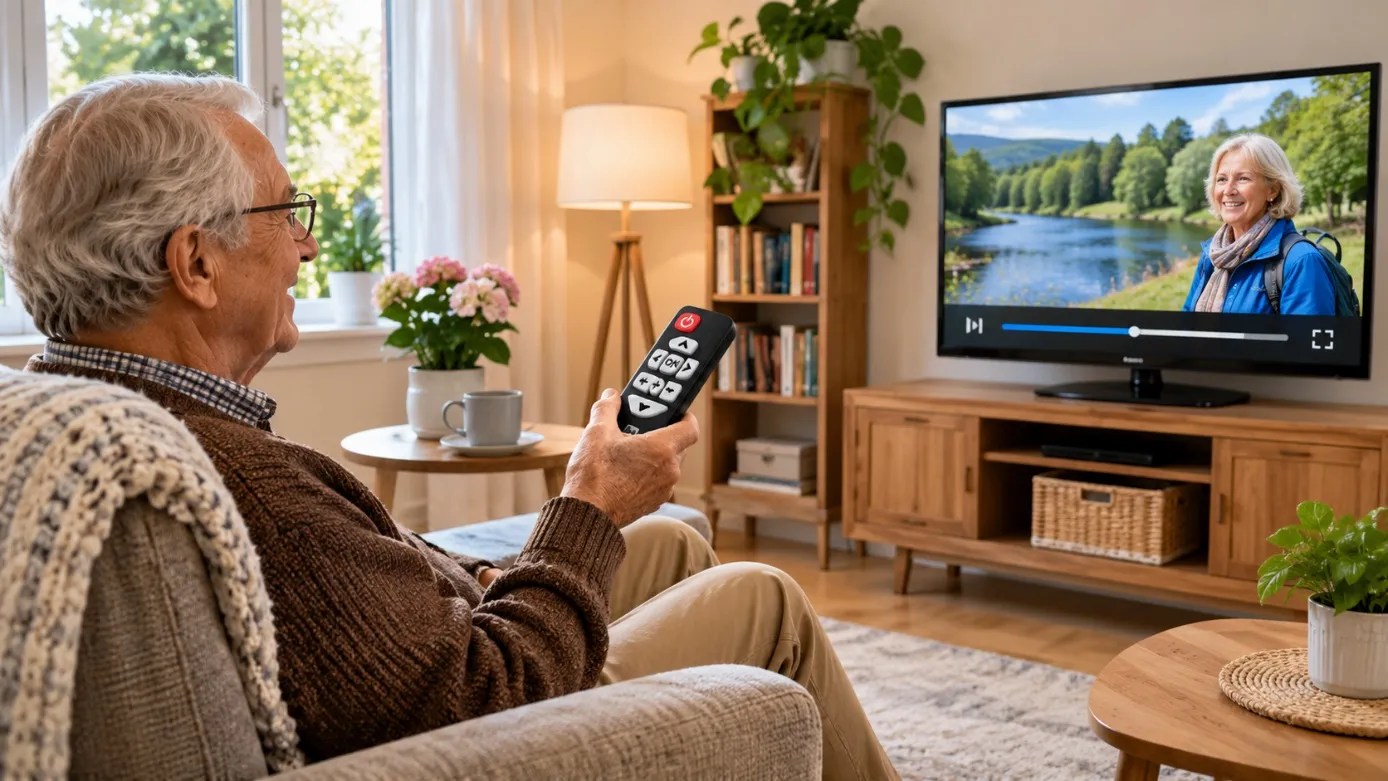
A television can be a daily source of news, entertainment and connection for older adults, but an unnecessarily complicated setup can make ordinary viewing frustrating. Several remotes, unreliable channels and hard-to-reach sockets may turn a simple activity into a recurring problem. Family members often focus on buying a larger screen when the more useful improvement is a dependable signal and straightforward controls. Planning television access around comfort, mobility and familiar routines can make home viewing easier without introducing equipment that requires constant technical assistance.
Begin With Comfort Rather Than Screen Size
The most suitable television position depends on where someone sits, how the room is lit and whether controls are easy to reach. A screen mounted too high may be uncomfortable to watch, while glare from a nearby window can make programmes difficult to see. Consider seating distance and sightlines before choosing a final position.
Place the remote somewhere predictable and keep cables away from walking routes. If a person uses a walking aid, avoid putting equipment or furniture where it narrows an important path. These practical details can matter as much as the television’s specifications.
Make Everyday Channel Access Predictable
An older viewer may prefer switching directly to familiar channels rather than opening apps and navigating several menus. Repeatedly losing terrestrial reception can be particularly disruptive when the person cannot easily investigate cables or rescan a television.
Before arranging TV aerial installation, check whether existing equipment delivers a consistent signal and whether the television has the appropriate tuner. Weak reception may result from a damaged connector, an unsuitable aerial position or a fault elsewhere in the distribution system. Testing the actual signal helps avoid replacing a television that is functioning correctly.
Keep the Controls Simple and Familiar
A modern television may offer dozens of settings that are irrelevant to everyday viewing. Where possible, configure the device to open on the expected input and create a short printed guide for switching between television and any other source. Large, readable labels can be more useful than a lengthy manual.
If a separate receiver is required, explain which device must be switched on first. Ask the viewer to demonstrate the process independently rather than assuming a verbal explanation is enough. Confidence improves when the steps remain consistent.
A Practical Accessibility Checklist
Before making changes, watch how the person uses the existing setup. Small adjustments may solve problems without a major purchase:
- Position the screen to reduce glare and neck strain.
- Keep remote controls within comfortable reach.
- Use clear labels for essential buttons and inputs.
- Check that on-screen text and subtitles are legible.
- Prevent trailing cables from creating trip hazards.
- Test reception on the channels watched most often.
- Leave simple fault-reporting instructions near the television.
The goal is independent, comfortable use rather than the largest possible collection of features.
Think About Viewing in More Than One Room
Someone with limited mobility may spend time in both a living room and bedroom. Having access to familiar programmes in each location can be convenient, especially during recovery from illness or when climbing stairs becomes difficult. However, separate screens do not automatically require complicated equipment.
A Multiroom TV aerial installation may be appropriate where independent terrestrial reception is needed in different rooms. Cable routing, distribution equipment and available signal strength should be assessed before adding outlets. It is also worth confirming whether the person would actually use the second connection, rather than installing it simply because space is available.
Involve the Viewer in Every Decision
Relatives may have good intentions but different preferences from the person using the television. Someone who watches only live broadcasts may not want a streaming box, smart speaker or extensive app collection. Discuss the channels, volume settings and accessibility features they find helpful.
Hearing needs can also influence speaker placement, subtitle settings and the suitability of headphones. Any connected device should have straightforward account access and privacy settings that the household understands. The best installation is one the viewer can operate confidently after visitors leave.
Conclusion
For an older person, the real test of a television setup comes when nobody else is there to explain it. Can they find the news, turn on subtitles and change rooms without struggling with controls or cables? Those everyday moments should guide decisions about reception and equipment. techtwins.co.uk offers information on aerial and multiroom television services, but the most important outcome is personal: a familiar programme should remain easy to enjoy, independently and comfortably, whenever someone chooses to watch.
